
Watch & learn · 1:07
How to navigate a text RPG: rooms, exits, and maps
A text world becomes easier to explore when you read one room at a time. This guide connects the words on screen to the live map, from your first exit to areas with more than one floor.
In this video
- Find the room name, description, and available exits.
- Use direction commands and follow the minimap marker.
- Switch between regions, rooms, and floors in the full map.
Read the room before choosing a direction
Start with the room's name. Read its description for landmarks, characters, and clues about what is nearby. Then check the listed exits: they tell you which directions are available from that room.
A compass direction is an action, not a destination you can always reach. Take an exit that actually exists. If you want to examine your surroundings again, use look.
look- Read the current room and its available exits.
Move, then check what changed
Type a direction such as north, south, east, or west and press Enter. Up and down can connect different floors. The next description tells you where you arrived, while the minimap updates your position.
Use the map and room text together. The map shows connections; the description gives those places their meaning. Reading the next room before moving again helps you notice things you might otherwise pass.
north- Follow an available north exit.
up- Use an available exit to the space above.
down- Use an available exit to the space below.
Choose the right map for the question
Open the full map when you need a larger view. World helps you understand the regions and their connections. Zone focuses on the rooms in one area.
When an area spans more than one floor, use the map's floor controls to see the connected levels. Changing the floor you are viewing does not move your character; use the game's exits to travel.
Lost? Make the next step a small one
Read the room again, check the exits, and compare your position with the surrounding map. You only need to choose your next move, not memorize the entire world.
For a new character, HELP NEWBIEGUIDE explains the return command. If you still need a hand, ask another adventurer or bring the room name and your question to Discord.
help newbieguide- Read the welcome guide and its return instructions.
Read the video transcript
Type a direction.
New room.
The map moves with you.
First, find the room name.
It tells you where you are.
Read the description for landmarks, characters and clues about what is nearby.
Next, check the exits.
North, south, east and west are movement commands.
Up and down can lead to another floor.
Only take an exit that is actually there.
Type a direction and press Enter.
The room changes, and the client updates your position.
The minimap helps you see how the next room connects.
Open the full map when you need a bigger picture.
World shows the regions.
Zone lets you study the rooms in a single area.
If stairs lead away from the floor you are viewing, use the floor controls.
You are looking at connected spaces, not just a list of room names.
If you lose your way as a new character, HELP NEWBIEGUIDE explains the return command.
Read one room, make one choice, and take the next step.
Try it in the Forged Realms open beta.
The browser client and beginner guide are at forged realms dot net.
Recorded with demo characters in the open beta. Scenes may be edited for explanation; interfaces and ability balance can change.
Your next chapter
All videos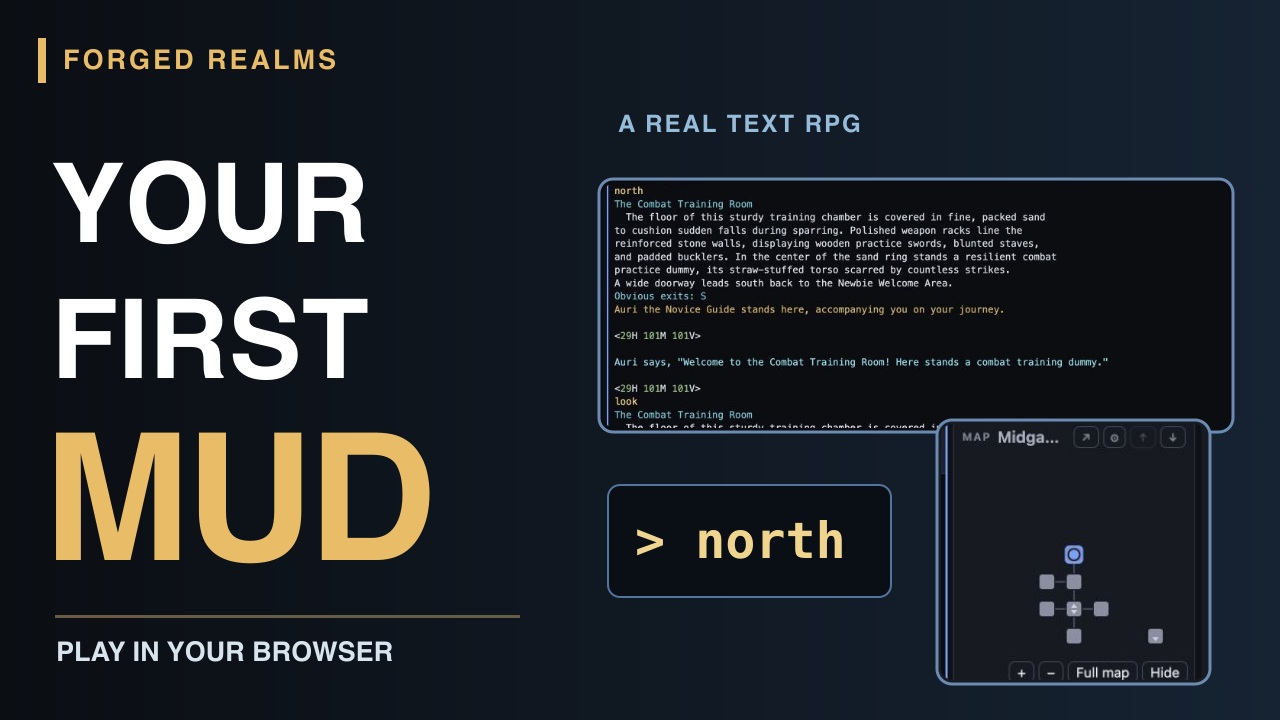
Getting started
Your first character. Your first room.
Start playing Forged Realms in your browser: create a character, choose a class, meet Auri, and take your first steps with the live minimap. A short video and readable beginner walkthrough.
Watch the guide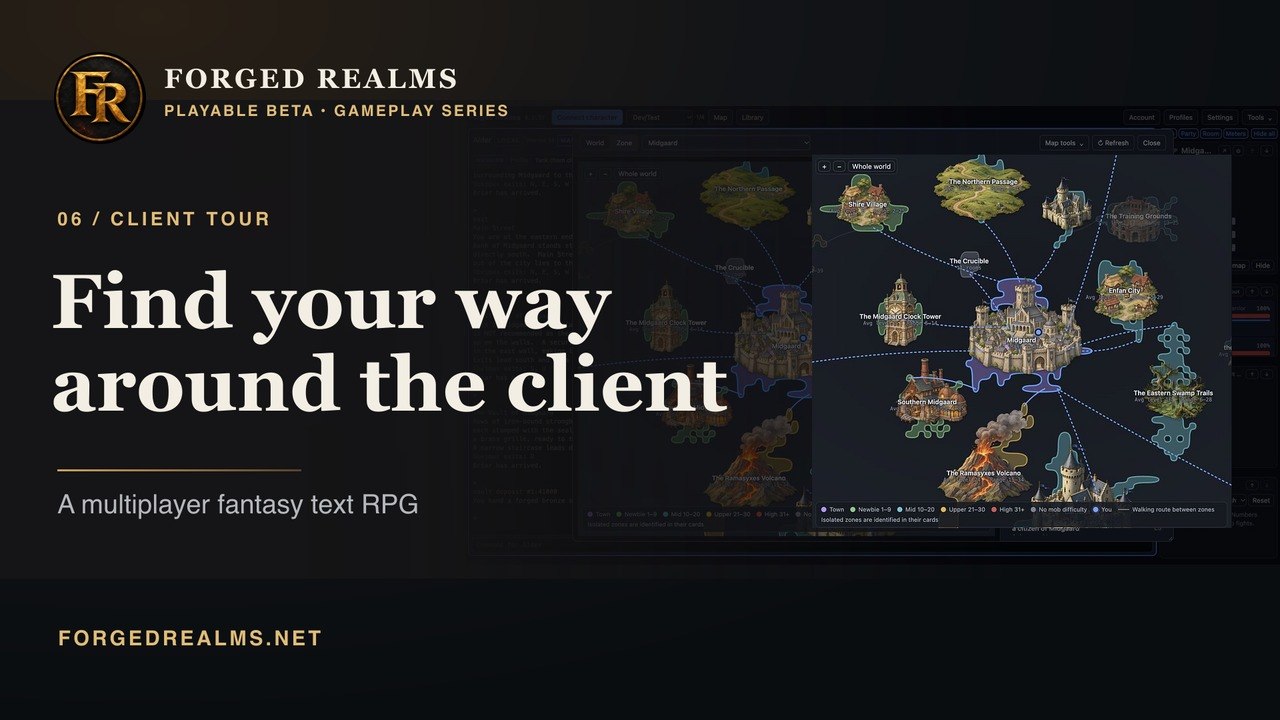
Client tour
The tools beside the adventure
Tour the Forged Realms client: game text, the command line, World and Zone maps, Library lookups, and Account tools. Try it in the browser or download the Windows or Mac beta client.
Watch the video