
Client tour · 0:44
Inside the Forged Realms client: maps, Library, and Account
The game lives in the text, with practical tools close by. This walkthrough introduces the command line, maps, searchable Library, and Account panel.
In this video
- Keep room text, commands, and party information together.
- Switch between World and Zone maps.
- Look up items and find the Account tools.
Learn one tool when you need it
Use the main pane to read the room and the command line to act. Open Map for a larger view, choose World for regions or Zone for rooms, and use floor controls when an area has multiple levels.
The Library helps you search for information. Account brings shared account tools and the selected character's inventory together. You can start playing without learning every panel at once.
The recording shows the beta interface at the time of capture. Visit the Client page for current screenshots, platform details, and installation instructions.
Read the video transcript
A quick tour of the tools around the game text.
Read the room in the large pane, type commands at the bottom, and see your location and party on the right.
Open Map and choose World to see nearby areas, suggested levels and walking connections.
The Zone view shows the rooms in one area.
Use the floor control when the area has more than one level.
Search by name, filter the results, and open an item to see its stats and any known sources.
Account opens the shared vault and the selected character’s inventory.
The Account tour shows how they work.
The beta is open.
Get familiar with the client as you explore.
Recorded with demo characters in the open beta. Scenes may be edited for explanation; interfaces and ability balance can change.
Your next chapter
All videos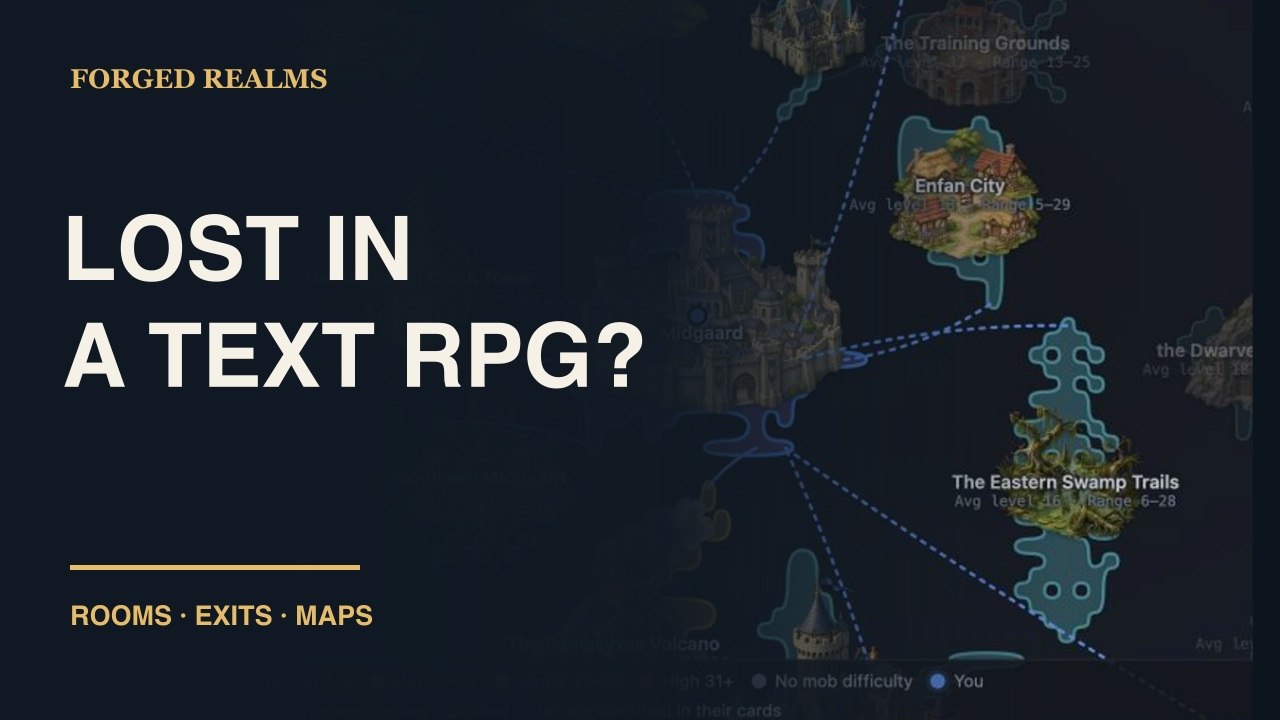
Exploration
Read a room. Find your way.
Learn to read room descriptions, follow available exits, and use the minimap, World map, Zone map, and floor controls in Forged Realms. Watch the navigation guide and follow the written steps.
Watch the guide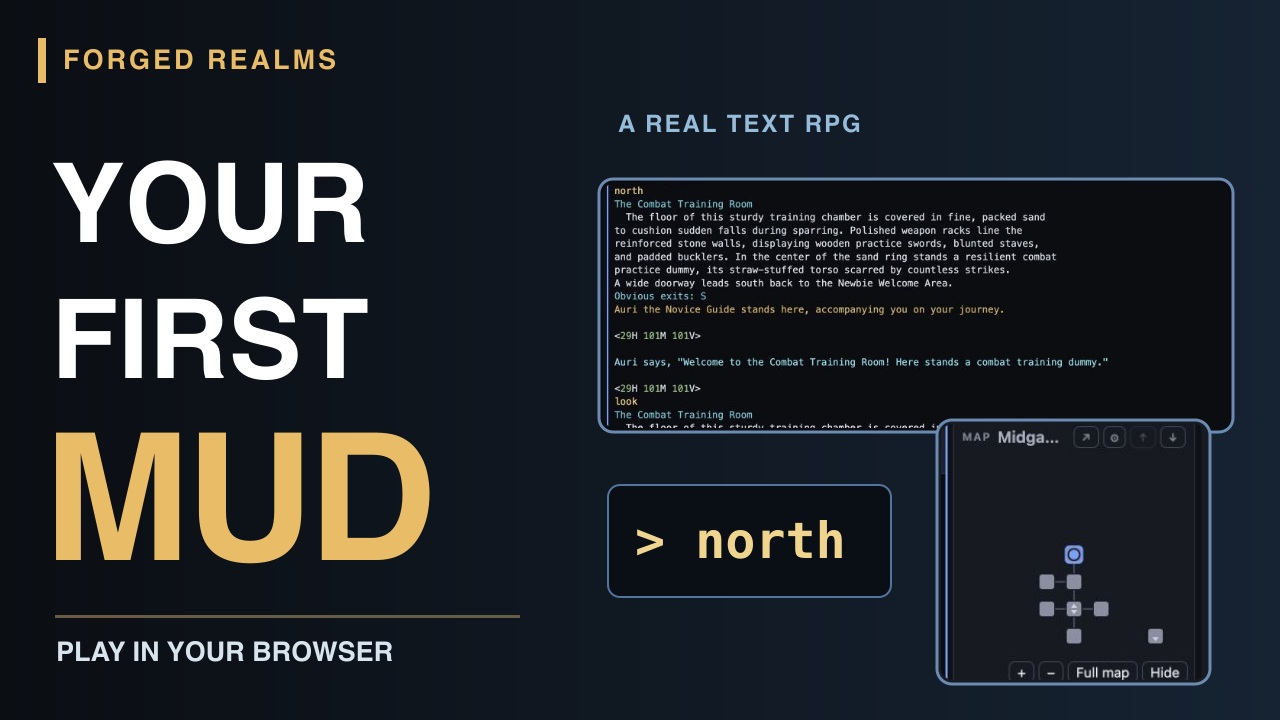
Getting started
Your first character. Your first room.
Start playing Forged Realms in your browser: create a character, choose a class, meet Auri, and take your first steps with the live minimap. A short video and readable beginner walkthrough.
Watch the guide